| Q/. Configuring Microsoft Windows XP Professional A/. Protecting the database
Now you need to prevent people from downloading and reading your databases
and log files.
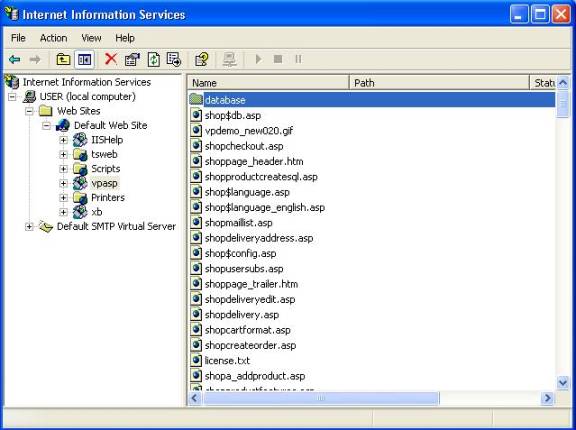
Open up the IIS Console by clicking on “Start/Settings/Control Panel/Administrative
Tools/Internet Information Services”.
Select your computer and website containing YourVirtualStore from the cascading
menus.
Then right click on the directory containing the databases and select “properties”.
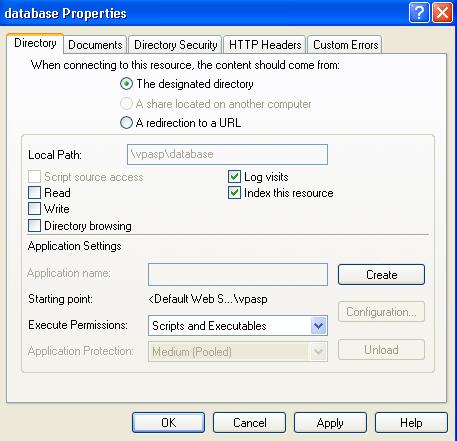
Setting the permissions
A folder properties dialog box will popup.
Deselect “Read” in the dialog box.
This will disallow external users from downloading your database files.
printable version Back to Main Page | 


